Two ways to print cheques on a Mac
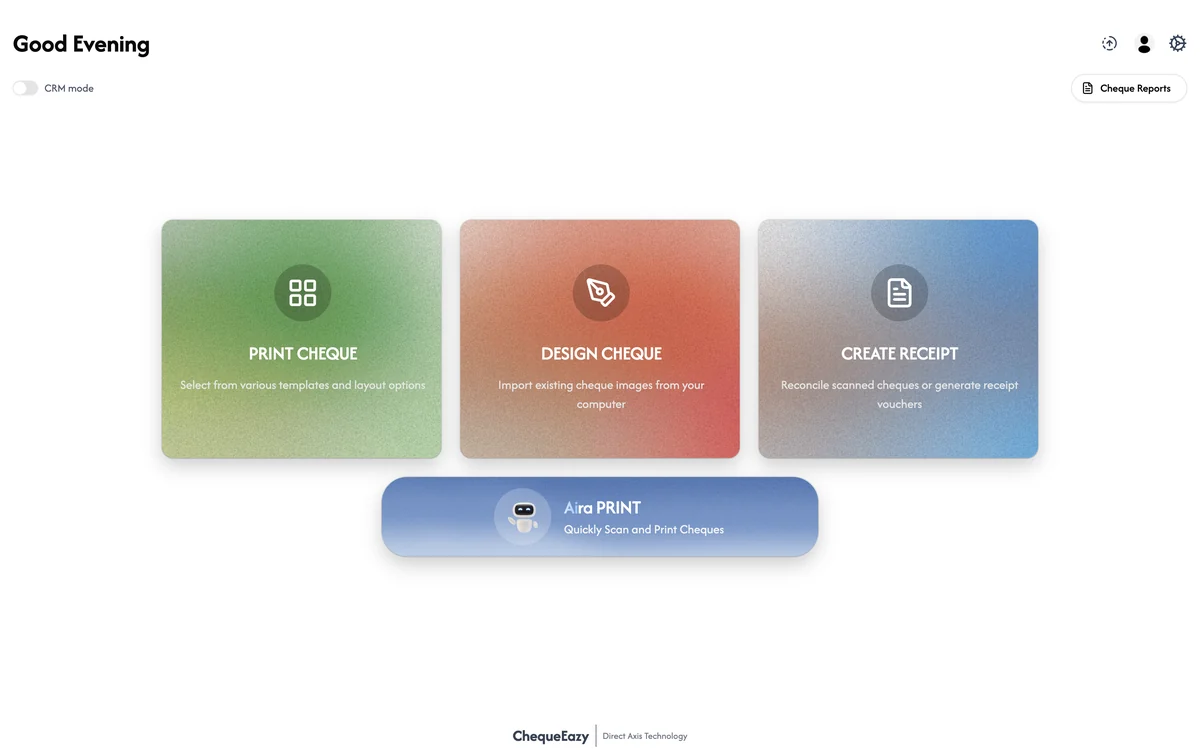
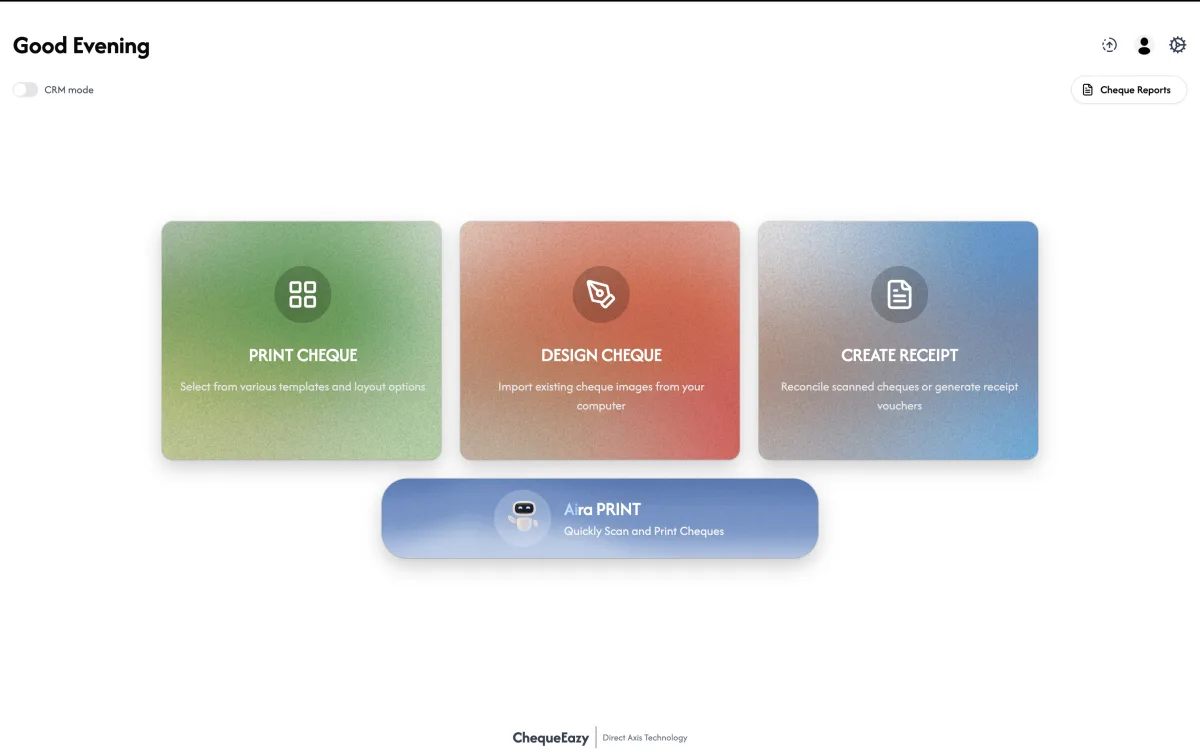
- The ChequeEazy Mac app. A native macOS application, included in ChequeEazy Enterprise. It prints to any printer set up on your Mac and adds Aira Print, the Ai scanner that detects a cheque's layout automatically.
- ChequeEazy on the web. ChequeEazy Cloud runs in Safari, Chrome, Edge or Firefox on any Mac, with nothing to install. Sign in, choose the bank, fill in the cheque and print. Backups and updates are automatic.
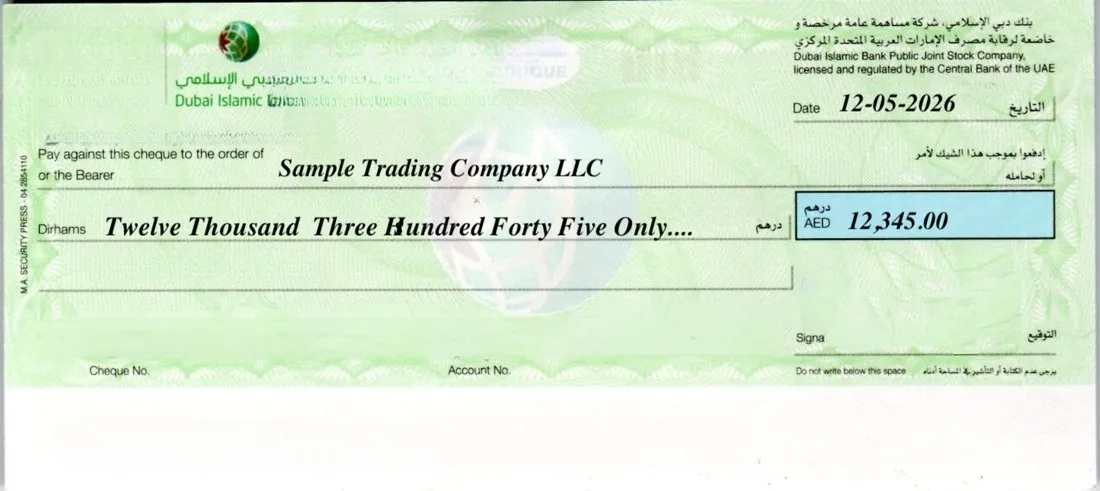
Both share the same idea: you type the payee and amount, and ChequeEazy places the date, payee, amount in words and amount in figures exactly where the bank expects them.
Ai auto cheque detection on Mac
Traditional cheque software needs a template for every bank's cheque, measured by hand. On the Mac app, Aira Print does that for you:
- Scan the cheque. Use a scanner or a photo of one leaf.
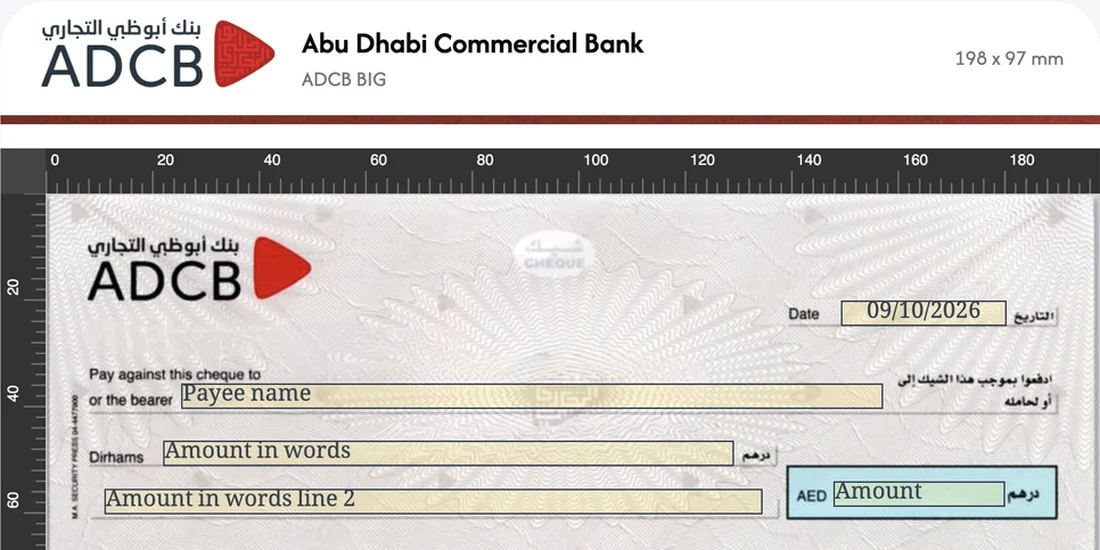
- Ai detects the bank and layout. ChequeEazy recognises the bank and cheque type, measures the leaf and finds every field.
- Check and print. The detected layout appears on a millimetre ruler. Nudge any field with Edit Design if needed; the layout is saved for next time.
That makes it practical to print on cheques from banks you have never set up, such as a tenant's or buyer's own cheque book. Read how Ai cheque scanning works for the full walkthrough.
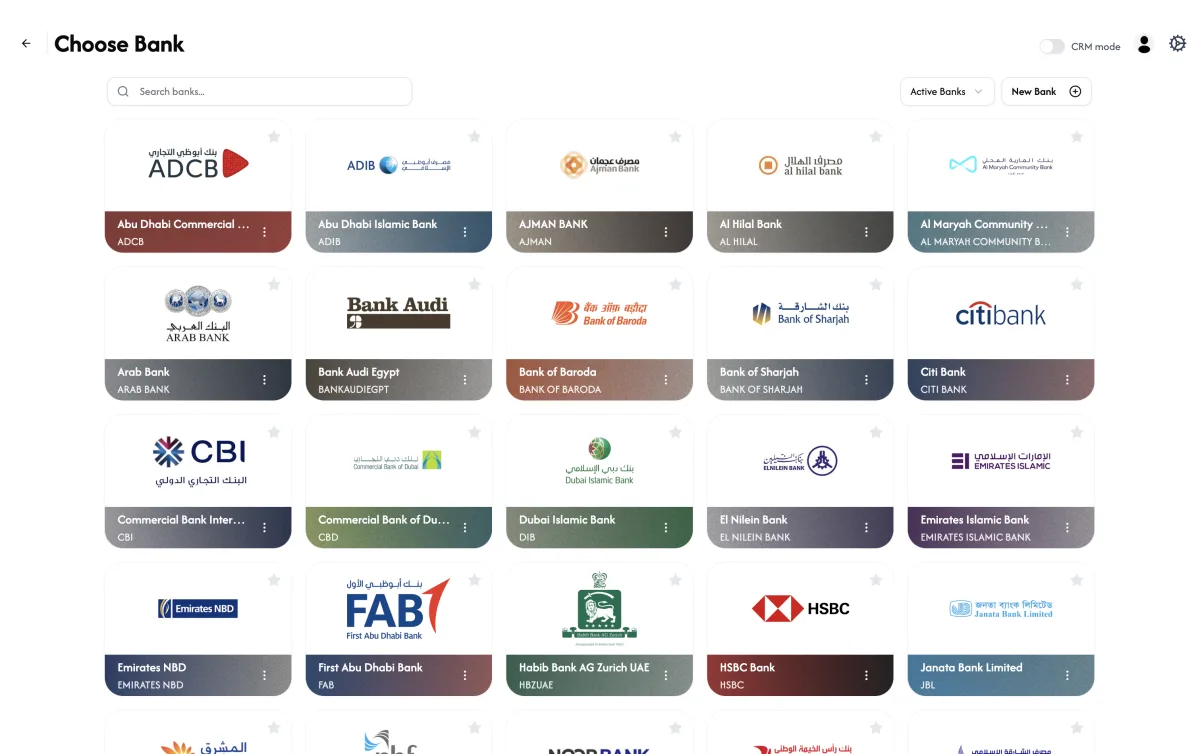
UAE bank layouts, ready to use
If you print on your own company's cheques, you don't need to scan anything. Choose your bank and start printing. ChequeEazy includes layouts for ADCB, ADIB, Emirates NBD, FAB, Dubai Islamic Bank, Mashreq, CBD, RAKBANK, HSBC, Citibank and many more. See the full list of supported banks.
Filling and printing a cheque on a Mac
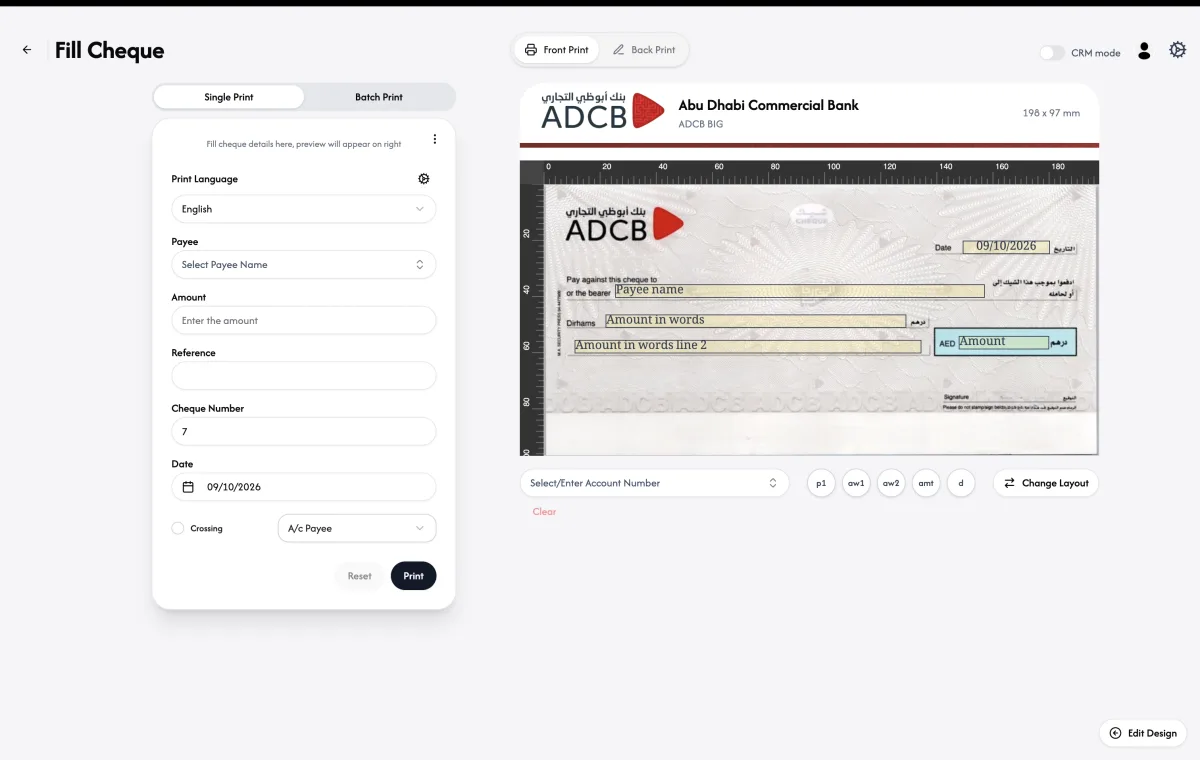
The Fill Cheque screen has the details on the left and a live preview on the right:
- Pick the payee from your saved list, type the amount, and set the cheque number, date and an optional reference.
- ChequeEazy writes the amount in words for you, in English or Arabic, across both lines if needed.
- Add an A/C Payee crossing with one click.
- Use Front Print and Back Print for both sides, and Batch Print to print a whole list of cheques, such as a rent or instalment schedule, in one go.
Mac app or web: which one?
- Choose the web app (Cloud) if you want to start today on any Mac, print on your own company's cheques, and keep everything backed up online. Plans start at $16 a month, billed yearly. See pricing.
- Choose the Mac app (Enterprise) if you print on clients' cheques from many banks, want Ai auto cheque detection, or need Salesforce or Dynamics 365 integration, approvals and an audit trail.
Mixed office? Enterprise also has a Windows app, and both apps and the browser work on the same payees, layouts and cheque records.