Why connect cheque printing to your CRM
In a typical real estate company, sales or leasing agree the payment plan in Salesforce or Dynamics 365, then finance retypes it into a spreadsheet or cheque software to print the cheques. Every retyped name, amount and date is a chance for a mistake, and once the cheques are printed, the CRM no longer knows their status.
An integration removes the retyping and closes the loop.
How it works
- Connect your CRM. Link ChequeEazy to Salesforce or Dynamics 365. Other systems connect through the REST API and webhooks.
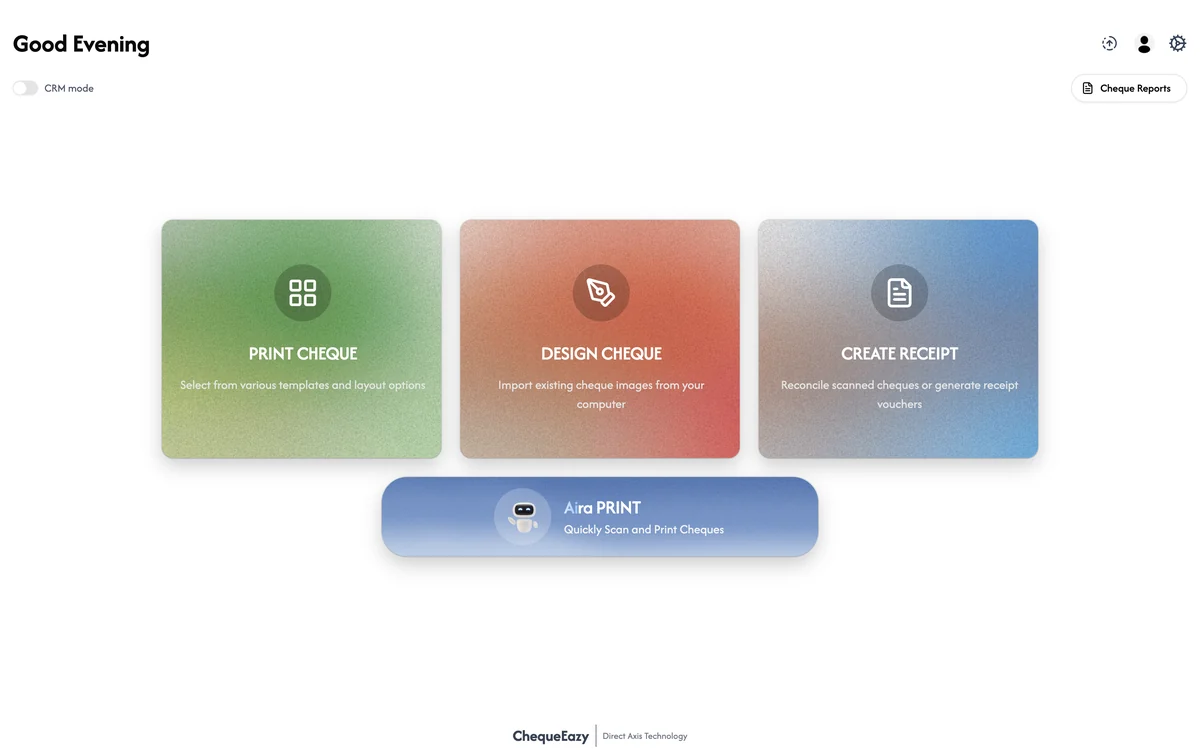
- Switch to CRM mode. ChequeEazy fetches the list of cheques due from the CRM record your team already uses, such as a unit sale, payment plan or lease, with the payee, amounts and dates filled in.
- Review the list. Finance checks the cheques before printing. Nothing needs retyping.
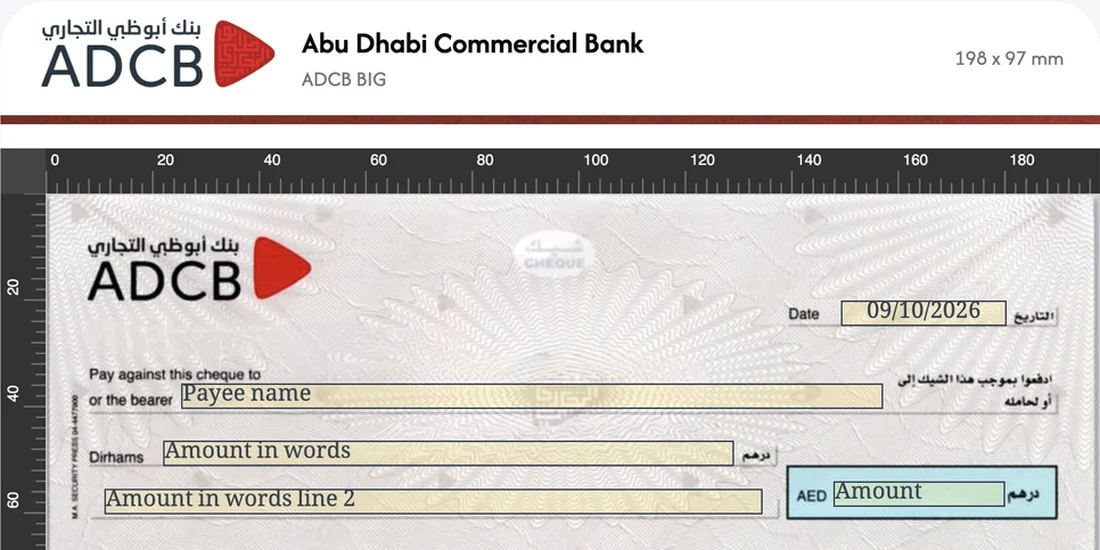
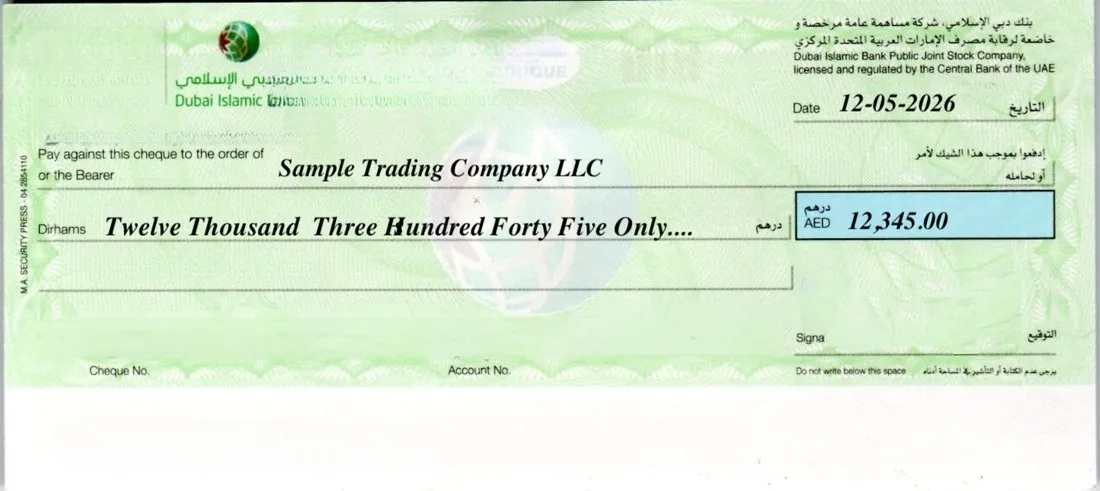
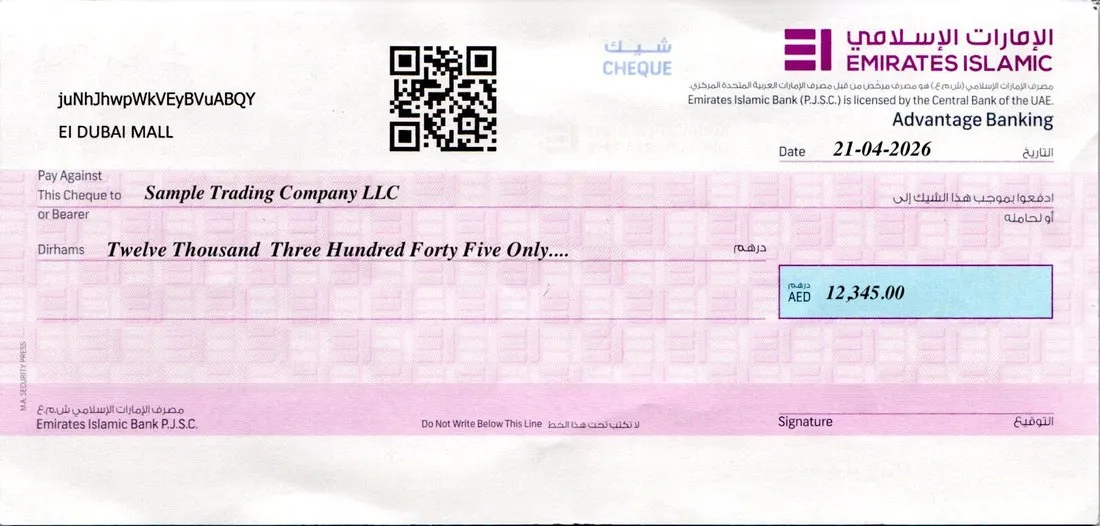
- Print in one shot. Print the whole list as a batch. On a client's own cheque book, Ai scanning detects the layout first, so every cheque prints aligned.
- Sync back. The cheque status, cheque number and scanned image are written back and attached to the same CRM record.
What moves between the systems
| From your CRM to ChequeEazy | From ChequeEazy back to your CRM |
|---|---|
| Payee (buyer, tenant or supplier) | Cheque status |
| Amount of each instalment | Cheque number |
| Due date of each instalment | Scanned cheque image |
| The sale, unit or lease it belongs to | Attached to the same record |
Who it's for
- Developers collecting off-plan instalments, where a single sale can mean many cheques across its payment plan.
- Landlords and property managers collecting rent PDCs across a portfolio, with leasing teams working in the CRM.
- Brokerages paying commissions, refunds and security deposit returns from records already in their system.
The result
Sales, leasing and finance work from one set of data. Cheques print in minutes instead of being retyped one by one, and anyone opening the deal in the CRM can see which cheques were printed, their numbers, and the scanned images, without asking finance.
Getting set up
Integrations are part of ChequeEazy Enterprise. Talk to our team in Dubai about your CRM and how your payment plans are set up, and we'll show you the flow on your own data.