What you need
- Your bank's cheque book. Always print on the leaves your bank issues. They carry your account details, the cheque number and the coded line along the bottom used in clearing.
- A standard printer. Any office laser or inkjet printer that can take a single sheet or cheque leaf works.
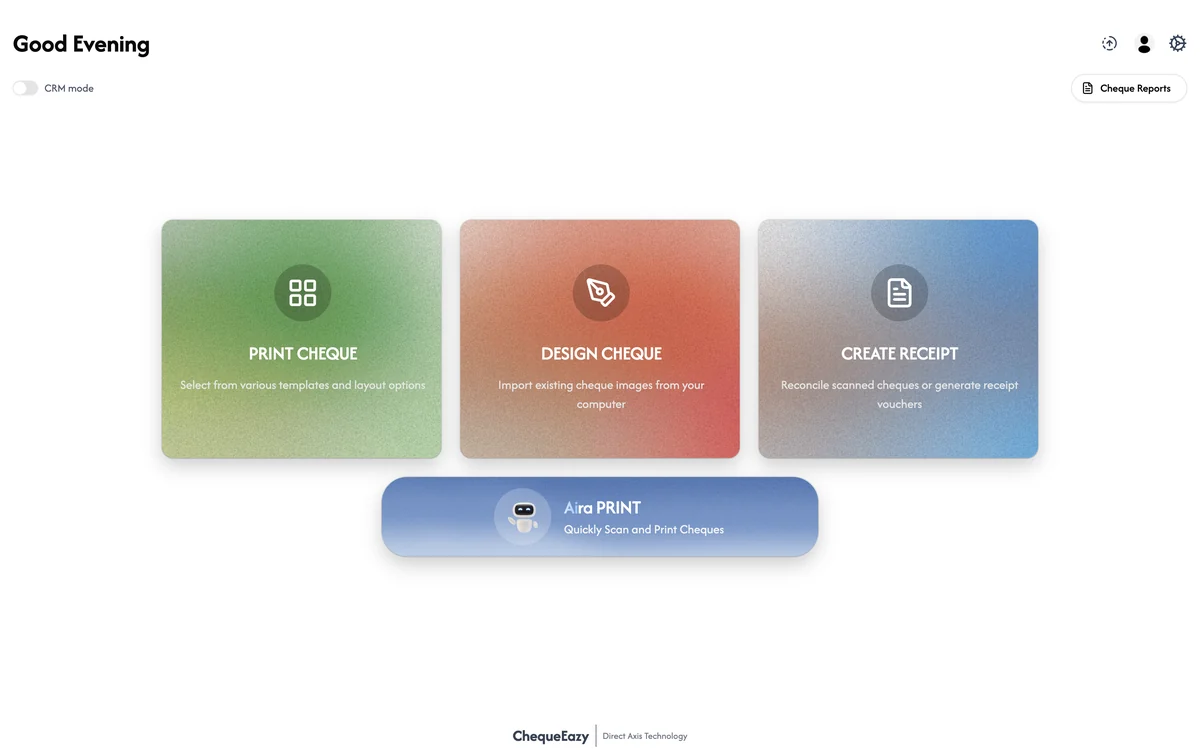
- Cheque printing software. It stores the exact position of every field for your bank's leaf, writes the amount in words, and records each cheque. ChequeEazy includes ready-made layouts for UAE banks.
Step by step
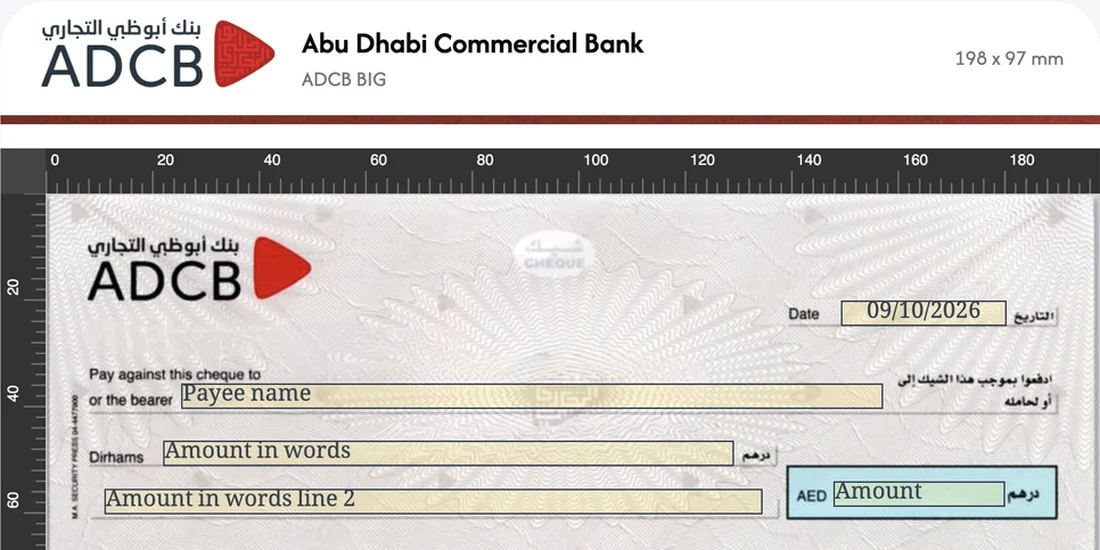
- Set up the bank account and its layout. Add the account and choose your bank's cheque layout. If your bank isn't in the library, place the date, payee and amount fields once with a layout designer and save it.
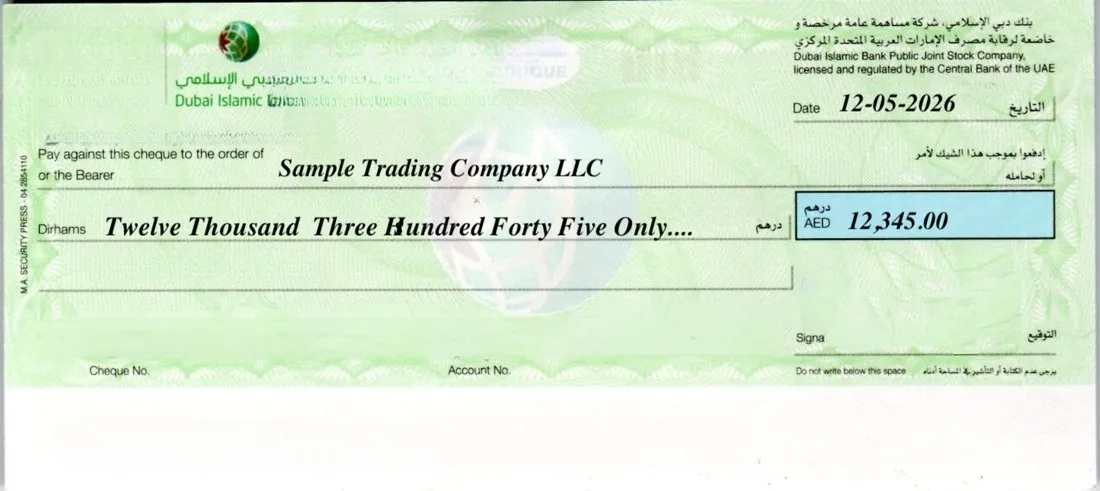
- Enter the date. Use the date the cheque can be cashed. For a post-dated cheque (PDC), that's the future due date. For a security cheque, many issuers leave the date blank.
- Enter the payee name. Use the payee's full legal name exactly as their bank account holds it, such as the name on a company's trade licence. A mismatch can stop the deposit.
- Enter the amount in figures. Include fils where needed, such as 12,345.50.
- Check the amount in words. It must match the figures exactly, for example "Twelve Thousand Three Hundred Forty Five Dirhams and Fifty Fils Only". Software generates this in English or Arabic, so there's nothing to spell.
- Add the crossing. Print "A/C Payee Only" if the cheque should go only into the payee's account.
- Check the alignment once. The first time you use a new layout, print on plain paper and hold it against a real leaf up to the light. Adjust if needed, then print on the cheque.
- Sign by hand. Your authorised signatory signs in the signature box, in line with your bank mandate.
- Record and track it. Keep the cheque number, date, payee and amount in a register. For PDCs, track the due date so the funds are there when it's presented.
UAE rules worth knowing
- Post-dated cheques are normal. Rent, instalments and supplier credit are commonly paid with a series of PDCs, so batch printing and due-date tracking save real time.
- Bounced cheques changed in 2022. Amendments that took effect in January 2022 made most cheques bounced for insufficient funds a civil matter rather than a crime, and let the payee collect a partial payment from what's in the account. Issuing accurate cheques and tracking PDCs still protects your relationships and your bank record.
- Cheques clear from images. Banks scan cheques for clearing, so smudged handwriting or fields outside their boxes can cause delays or returns. Printed text avoids both.
- Avoid corrections. Banks may refuse a cheque with altered details. If you make a mistake, cancel the leaf and print a new one.
- Keep the bottom band clear. Never print or write over the coded line along the bottom of the leaf. Clearing machines read it.
Templates vs cheque printing software
Some businesses start with a word-processor template lined up to their cheque. It works for a few cheques, but each bank's leaf is different, the amount in words is typed by hand, and nothing is recorded. Cheque printing software keeps a measured layout per bank, writes the words for you in English or Arabic, prints whole batches of PDCs, and keeps a register for reconciliation and audits.